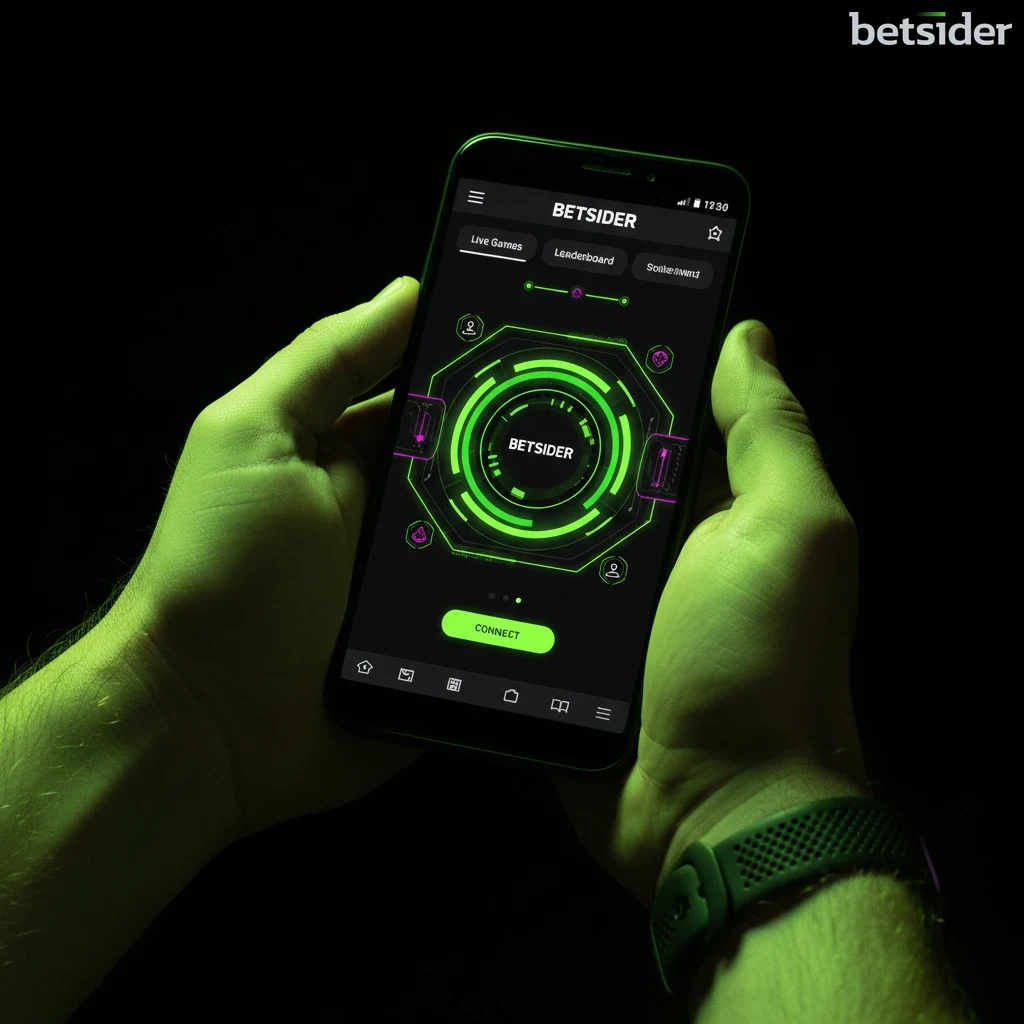
The Betsider Android app running a slot game on a modern smartphone

Betsider Android App

Download the official Betsider APK and carry the full casino and sportsbook in your pocket. One lightweight file gives any Android phone or tablet instant access to 5,000+ games and live odds, all in Canadian dollars.

The Betsider Android App, Built for Canada

The Betsider Android app is the fastest way for Canadian players to keep a full casino and sportsbook on the home screen instead of buried in a browser tab. Download one APK file, tap install, and the whole platform — 5,000+ slots, live dealer tables and 35+ sports — loads in a native shell that opens in a second and remembers where you left off. No desktop, no waiting for a page to render, no separate logins. The Android app and the site share the same account and the same Canadian dollar wallet, so a balance topped up on your laptop is ready the moment you open the phone.

Because real-money gaming apps are kept out of the Google Play Store in Canada, Betsider distributes the Android app directly as an APK. That sounds technical, but in practice it is a two-minute job: you tap the download button on this page, allow the install, and the Betsider icon lands on your home screen like any other app. This guide walks through every step of the APK download, shows exactly which permissions the app asks for and why, lists the devices it runs on, and covers what the Android app actually does once it is open. If you would rather not install anything, the mobile site is always there — but the app is smoother, quicker and made for people who play more than once in a while.

What makes the Betsider Android app worth the small setup is how little friction it removes from daily play. Hockey bettors can place an NHL parlay during the warmup and drop into a Pragmatic Play slot between periods without a single transfer. New players can claim the C$1,000 casino welcome match and start spinning inside the app the same night they download the APK. Everything below explains how to get there, and how to get the most out of the Betsider Android app once it is installed on your device.
Why Download the Betsider APK

A browser works, but a dedicated app always wins on the things that matter over a long session. The Betsider Android app launches straight from your home screen, holds your login securely so you are not re-typing a password every visit, and caches game art so lobbies paint almost instantly instead of reloading from scratch. Push notifications keep you on top of a cashed-out bet, a bonus drop or a settled parlay without you having to check — and you can switch those off entirely if you would rather keep things quiet.

Stability is the other big win. Live betting and live dealer streams are far steadier inside the Android app than in a mobile browser that can drop the connection when you swap tabs or take a call. The APK is deliberately light on storage, so it sits happily on older handsets, and updates arrive in the background so you are always on the current build. For anyone who plays on the go — commuting, on the couch, waiting in line — the Betsider Android app is simply the better tool for the job, and the download costs nothing but a couple of minutes.

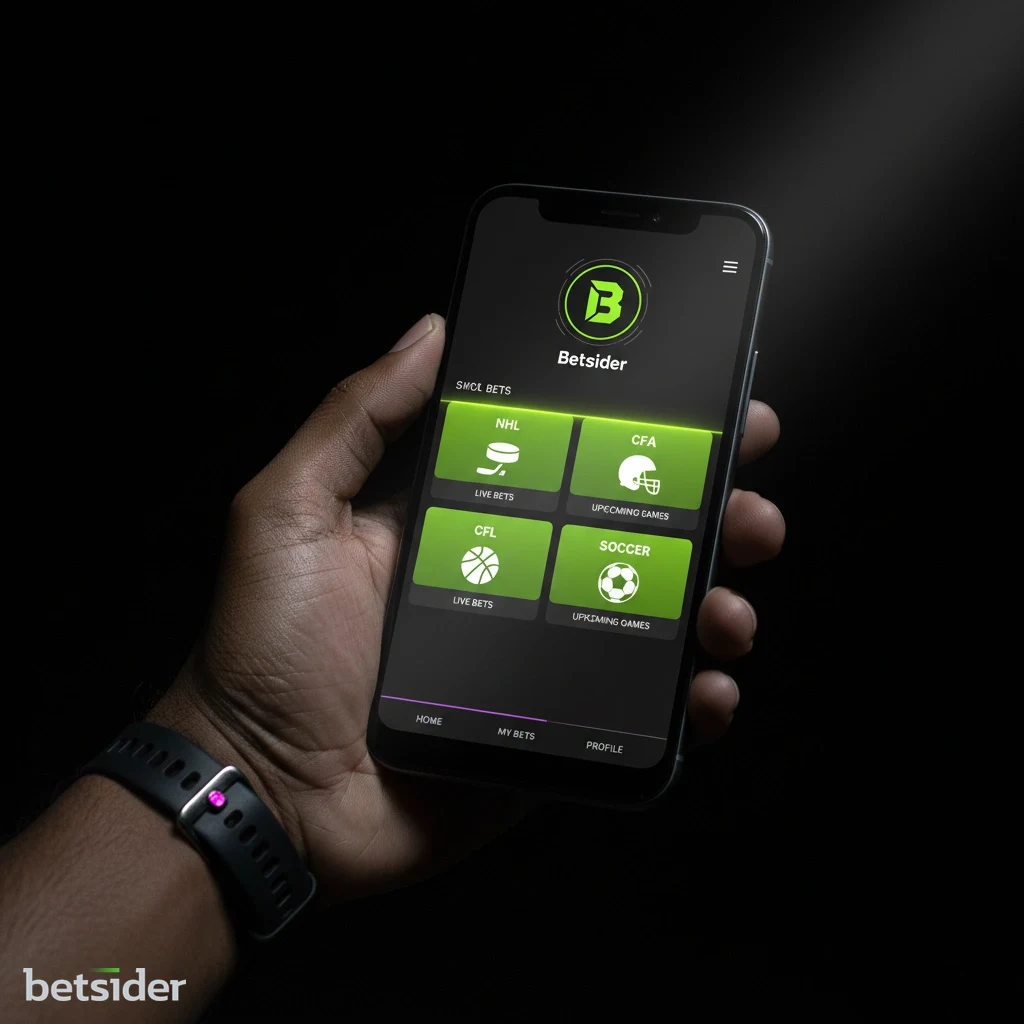
The Betsider Android app home screen shown on a phone held in one hand

Device Compatibility & Secure Setup

Betsider Android App on Every Handset

The Betsider Android app is engineered for performance across the vast Android ecosystem. Whether you are using a flagship device from Samsung, a Google Pixel, or models from manufacturers like OnePlus, Xiaomi, or Motorola, you can expect a smooth and responsive experience. The APK is designed to be lightweight and efficient, so it runs cleanly on both modern smartphones and older tablets as long as they are running Android 6.0 (Marshmallow) or newer. That broad compatibility means Canadian players can enjoy the full library of games and betting markets without needing the latest hardware, and the same download works whether your screen is a compact phone or a large tablet.

Safe APK Download and Permissions

Installing the Betsider APK is a straightforward and secure process. Because the app is downloaded directly from our site rather than the Play Store, you enable "Install from unknown apps" for your browser in the device security settings — a standard Android step, and one you can switch back off the moment the app is on. Every APK build is scanned and signed, so the file you download is the genuine Betsider Android app. The app requests only essential permissions: network access to reach our live servers and storage access to cache game assets for faster loading. Nothing unrelated to core play is ever requested, and our customer support team is on live chat 24/7 if a step needs a hand.

How to Install the Betsider APK

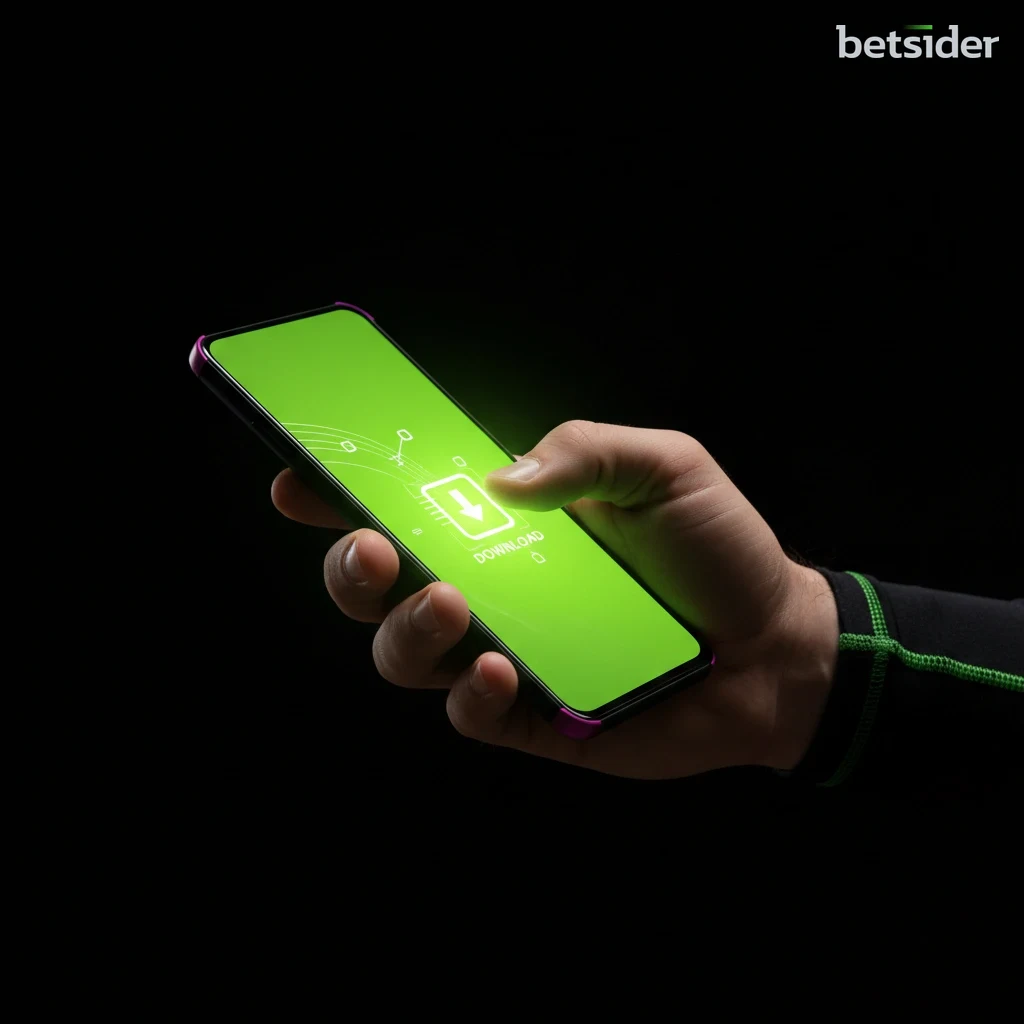
A user tapping the download button for the Betsider APK on the official website using an Android smartphone.
Secure APK Download
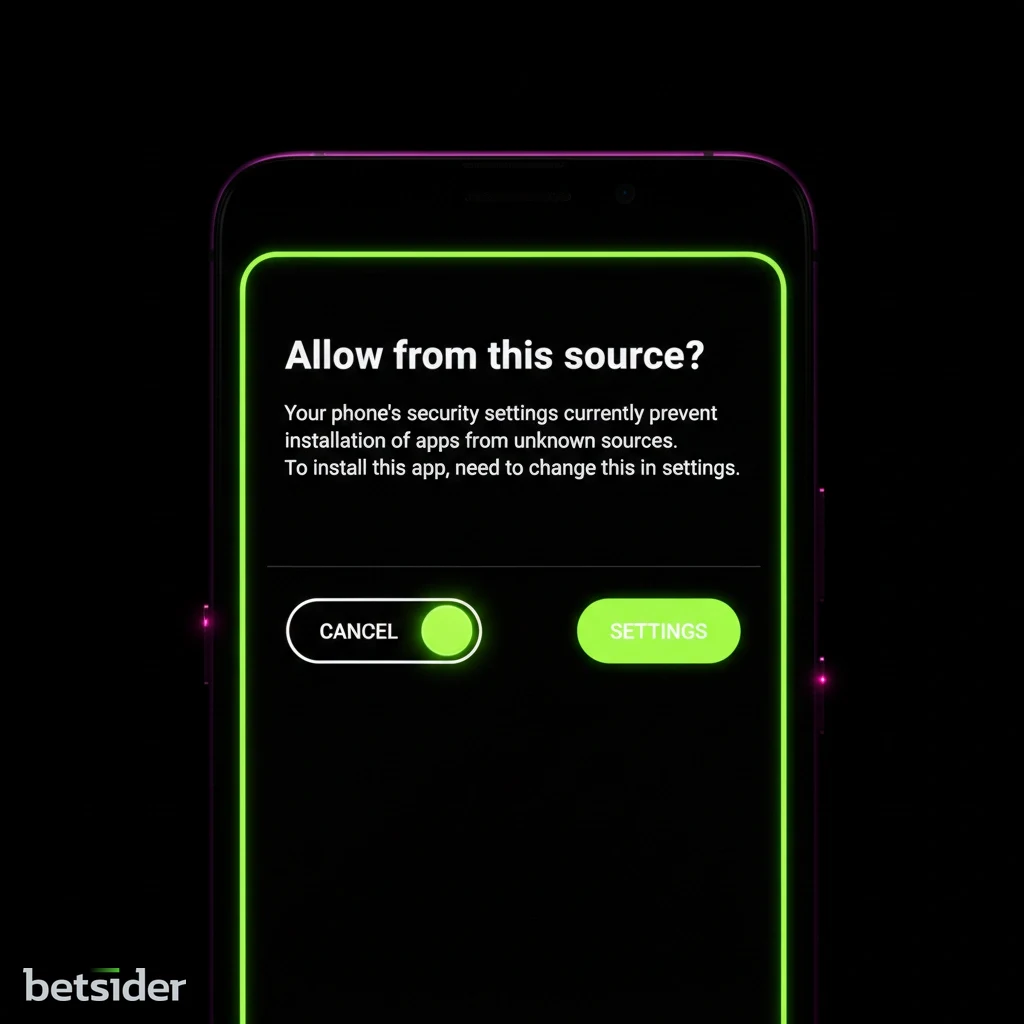
An Android settings screen showing the toggle to allow app installations from unknown sources being enabled.
Adjust Security Permissions
The Betsider Android app icon on the home screen of a phone after a successful installation.
Install and Play

Your Guide to Installing the Betsider APK

Step 1

Download the Official APK File

Begin by tapping the download button on this page. This saves the official Betsider APK file directly to your device. An APK (Android Package Kit) is the standard file format the Android operating system uses to distribute and install mobile apps. Our file is secure, signed and optimized for performance, and it is always the current version of the Betsider Android app.

Step 2

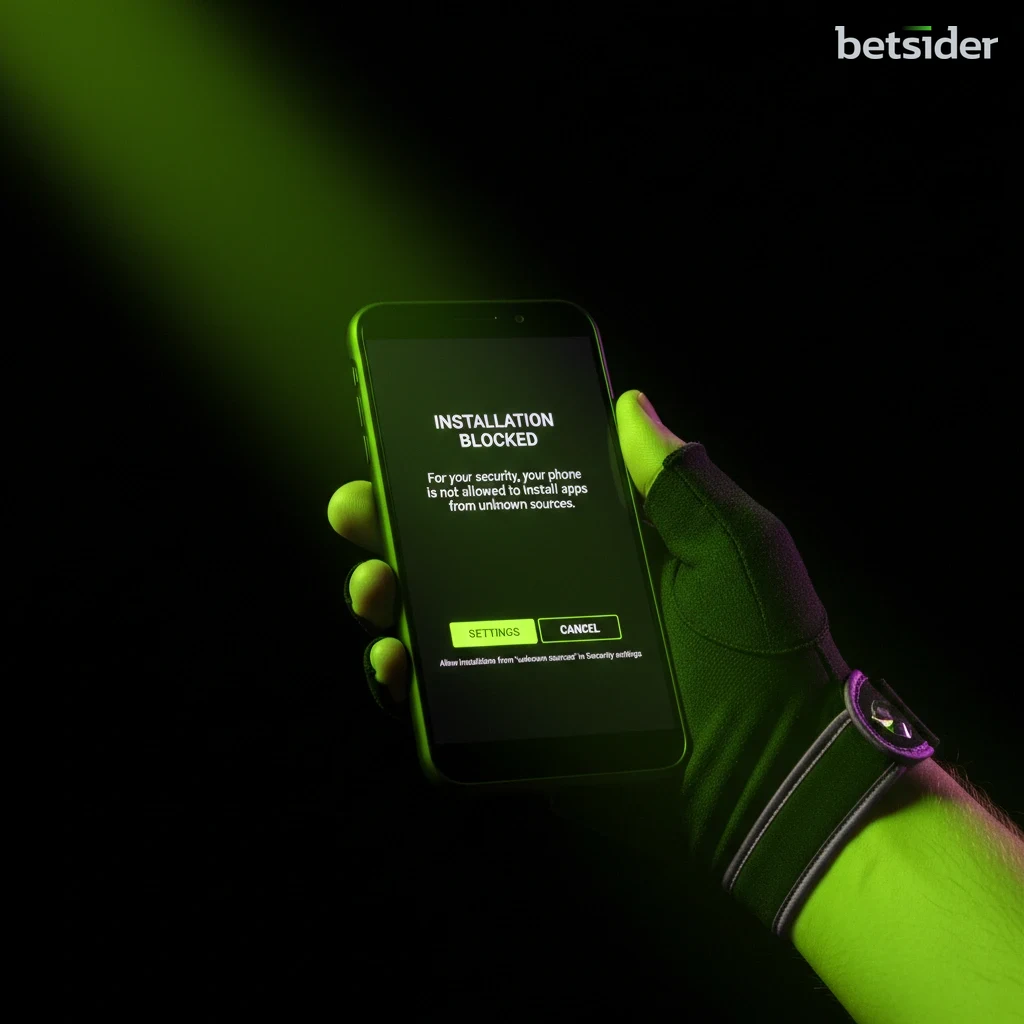
Enable "Install from Unknown Sources"

Before you can install the app, adjust your device security settings once. Go to Settings > Security (or Apps & Notifications > Special App Access) and enable "Install unknown apps" for your web browser. This is a standard, one-time step for installing any app directly from a source other than the Play Store, and you can turn it off again straight after.

Step 3

Locate and Install the App

Once the download is complete, open your device "Files" or "Downloads" folder. Tap the betsider.apk file to begin installation. A prompt asks for confirmation — tap "Install" to proceed. The installation is quick and automatic, and the Betsider Android app is usually ready in well under a minute on most handsets.

Step 4

Review App Permissions

On first launch, the Betsider app requests a few permissions to deliver the best experience. These may include notifications for bonus alerts and location services to ensure compliance with Canadian regulations. We respect your privacy and never ask for anything outside core functionality; for the full detail, see our privacy policy.

Step 5

Log In and Explore

With installation complete, open the Betsider Android app and log in with your existing details or register a new account in a couple of minutes. You now have full access to the entire sportsbook and a vast library of casino games, all from the convenience of your Android device.

Betsider Android App at a Glance

Here is the short version of the Betsider Android app — the file, the requirements and what you get once it is installed, gathered in one place so you can size it up before you download. Every amount is shown in Canadian dollars.

DetailBetsider Android App
📱 FormatDirect APK download (Android Package Kit)
🤖 Android versionAndroid 6.0 (Marshmallow) or newer
💾 File sizeLightweight, installs in under a minute on most phones
🏬 SourceOfficial Betsider site, not the Google Play Store
🇨🇦 MarketBuilt for Canada, balances in Canadian dollars (C$)
🎰 Casino games5,000+ slots, table and live dealer titles
⚽ Sports35+ sports, strong NHL, NBA and CFL markets
🎁 Casino welcome100% up to C$1,000 + 200 free spins
🏆 Sport welcomeBet & Get, 20% up to C$100
💳 PaymentsInterac, Visa, Mastercard, Skrill, Neteller, crypto
⏱️ Withdrawals0–24h e-wallets and crypto, 1–2 days Interac
🔒 SecuritySigned APK, SSL encryption, RNG-tested games
🎧 Support24/7 live chat inside the app
🔔 NotificationsOptional bonus and bet alerts, fully controllable

Inside the Betsider Android App

Open the Betsider Android app and the layout is thumb-first from the start: a bottom navigation bar flips between casino and sportsbook, a search field finds any of the 5,000+ titles by name, and filters for provider, theme and volatility mean you are not endlessly scrolling to find your kind of game. The lobby art is cached after the first load, so the second time you open a category it appears almost instantly. Everything is sized for one-handed play, which is exactly how most people use a phone on the couch or the commute.

Under the surface, the Android app is doing the quiet work that keeps a session smooth. Balances, bets and bonuses sync live with your account, so nothing is out of date if you started on desktop. Deposits and withdrawals run from the same cashier you know from the site, responsible-gaming limits you set once apply everywhere, and 24/7 live chat is a tap away if something needs a human. The Betsider Android app is not a stripped-down companion — it is the full platform, rebuilt to feel native on Android.

The Betsider Android app lobby showing casino and sportsbook navigation on a phone

Casino Games on the Betsider Android App

Five thousand games sounds like marketing until you actually scroll the lobby on the app. The Betsider Android app stocks the full spread: high-volatility Pragmatic Play slots like Gates of Olympus 1000 and Sweet Bonanza, classic three-reel machines, Megaways titles, jackpot networks, plus the table staples — blackjack, roulette, baccarat and a healthy poker corner. With 80+ providers feeding the lobby, the release calendar never stalls, and every slot renders full-screen on Android with the same certified RNG build you get on desktop. Demo play is there for the cautious, so you can try a game for free before staking real C$.

The live casino is where the Android app feels closest to a real floor. Professional dealers run Blackjack, Roulette, Baccarat and Poker from HD studios, streamed straight to your phone, with tables spanning stakes so a C$5 player and a high roller can both find a seat. Streams hold up far better inside the app than in a mobile browser, and the live chat box keeps it social. When you want the full picture of categories and top titles, the Betsider casino games hub is the place to browse, and the live casino section lists every table currently open. Playing on the Betsider Android app means all of that is one tap from your home screen, day or night, anywhere in Canada.

Sports Betting on the Betsider Android App

The sportsbook is not a token add-on inside the Android app. It runs 35+ sports with pre-match and in-play odds, and the North American coverage is genuinely strong — NHL, NBA, CFL and MLB get proper market depth, not just moneylines. Soccer, tennis, UFC and esports round it out for players who follow the wider calendar. Because the app shares your casino wallet, moving from a Saturday-night hockey parlay to a few spins takes one tap and no transfers, which is the single feature most Canadian players end up appreciating the most.

Live betting is where the Betsider Android app earns repeat visits. Odds update instantly, cash-out is available on a big slice of markets, and bet-slip changes register the moment you tap — no page reload, no missed price. New bettors get a 20% Bet & Get safety net up to C$100 on that first wager, and there is a Daily Jokerbet free bet worth up to C$50 for regulars. If you like free bets and acca insurance, the sports betting markets are worth a look before you place your opener from the app.

Live sports odds displayed in the Betsider Android app on a smartphone

Betsider Android App vs Mobile Browser

Both routes give you the full Betsider platform, so the choice comes down to how often you play and how much you value speed. This snapshot compares the Betsider Android app against the mobile site so Canadian players can pick the setup that fits.

FeatureBetsider Android AppMobile Browser
🚀 LaunchOne tap from the home screenOpen browser, load the site
⚡ SpeedCached assets, near-instant lobbiesReloads pages each visit
🔔 NotificationsOptional bonus and bet alertsNone
📺 Live streamsSteadier, tab-swap safeCan drop on tab change
🔑 LoginSaved securely in-appRe-enter or rely on browser
💾 InstallOne-time APK downloadNothing to install
🔄 UpdatesBackground, always currentAlways current by default

The short version: if you play more than once in a while, the Betsider Android app is the better tool, and the one-time APK download pays for itself the first time a live stream holds steady through a phone call. If you play rarely or are short on storage, the mobile site does the job without an install.

Broad Android Device Support

Samsung Samsung
Google Pixel Google Pixel
OnePlus OnePlus
Motorola Motorola
Sony Sony
LG LG

The Betsider Android app is designed for peak performance across a vast array of devices. The APK ensures compatibility with major manufacturers, including Samsung, Google Pixel, OnePlus, and more. This direct download approach guarantees you have the most up-to-date version, optimized for various screen sizes and hardware. Once installed, the app requests only standard permissions to deliver the full gaming experience. For any questions about your specific device, our customer support team is always available to help across Canada.

Bonuses and Payments in the App

Every promotion the site runs is live inside the Betsider Android app, claimed from the same cashier and displayed in Canadian dollars. New players trigger the casino welcome — 100% up to C$1,000 plus 200 free spins on Gates of Olympus 1000 — with a first deposit from just C$20. Sports bettors get the Bet & Get welcome worth 20% up to C$100, while regulars cycle the Weekly Cashback (up to 20% at x1 wagering, no cap), the 55-spin Weekly Reload, and the Weekend Reload at 55% up to C$1,000. The low-wager offers punch above their weight, so if you value simple terms over a big headline number, start with the cashback.

Banking from the app is the same fast, Canada-friendly setup you get on desktop. Interac e-Transfer is a first-class method that clears in about a day, sitting alongside Visa, Mastercard, Skrill, Neteller and crypto for anyone who wants faster. Deposits are instant; e-wallet and crypto withdrawals usually land inside 24 hours once your one-time verification is done. See every method and limit on the payments page, and the full slate of offers on the Betsider bonuses hub before you opt in from the Android app.

The Betsider Android app cashier showing a deposit in Canadian dollars

The Complete Casino in Your Pocket

Download the App

Security and Privacy on Android

Downloading an app outside the Play Store makes some people pause, and that caution is healthy — so here is exactly how the Betsider Android app keeps you safe. Every APK build is digitally signed, which means your phone can verify the file genuinely came from Betsider and was not tampered with in transit. The download runs over an encrypted connection, the app talks to our servers through bank-grade SSL, and the games draw on independently tested random number generators, so outcomes are never something the house can nudge. The "unknown sources" toggle you flip during setup is simply Android asking you to confirm the source once; you can switch it back off the second the app is installed.

Privacy is handled with the same restraint. The Betsider Android app requests only what it needs to run — network access and storage for caching — plus optional notifications and location where Canadian rules require it. It never reaches for your contacts, photos or messages. Responsible-gaming tools sit right in the account: deposit limits you set in seconds, session reminders, cool-off periods and self-exclusion, all one tap away mid-session. If gambling ever stops feeling like entertainment, the 24/7 support team can point you to limit tools and help. Playing within a budget you set in advance is the single habit that keeps the app fun over the long run.

A padlock and shield icon over the Betsider Android app, representing secure APK download

Updates, Performance and Troubleshooting

The Betsider Android app keeps itself current in the background, so you are always on the latest build without hunting for a new APK every week. When a bigger release lands, the app prompts you to download the fresh file — the same quick install you did the first time, over the top of the existing app, with your login and preferences intact. Keeping the app updated is the easiest way to stay on the fastest, most stable version, and it takes seconds.

Performance holds up well even on modest hardware because the APK is deliberately light. If a lobby ever feels slow, the usual fixes are the boring ones that genuinely work: clear the app cache from Android settings, confirm you are on a stable Wi-Fi or mobile signal, and make sure you have a little free storage for game assets. A quick close-and-reopen resolves most one-off hiccups, and a reinstall of the current APK clears anything stubborn without touching your account.

Stuck on the install itself? Nine times out of ten it is the "unknown sources" permission not being enabled for the browser you downloaded with — flip that toggle and the betsider.apk file installs normally. If a download stalls, delete the partial file and tap the button again. And if anything still will not budge, 24/7 live chat inside the app or on the site sorts most issues in minutes; the Betsider Android app is built to keep performing smoothly day to day for players right across Canada.

App Permissions Explained

Transparency matters when you install outside the Play Store, so here is every permission the Betsider Android app can ask for and exactly why. Nothing here reaches beyond what the app needs to run and stay compliant in Canada.

PermissionWhy the app asksRequired?
🌐 Network accessConnects to live game and odds serversYes
💾 StorageCaches lobby art for faster loadingYes
🔔 NotificationsOptional bonus and settled-bet alertsOptional
📍 LocationConfirms eligibility under Canadian rulesWhere required
👤 Contacts / photosNever requestedNo

You can review and change any of these at any time in your Android settings under the Betsider app entry. Turning off optional permissions such as notifications will not affect casino play or betting — only the alerts tied to them.

Betsider Android App FAQ — Straight Answers

Tap the download button on this page from your Android phone or tablet and the official Betsider APK saves to your device. Open the file, allow the one-time install permission, and the app lands on your home screen. The whole download and install takes about two minutes, and the file is always the current version of the Betsider Android app straight from us.

Google Play policies keep real-money gaming apps out of the store in Canada, so Betsider distributes the Android app directly as a signed APK. That means you get the latest, most secure version from the source, with no third-party middleman. It is the standard way licensed casino apps reach Canadian players, and the file is scanned and signed for safety.

Yes, when you download from our official site. It is a standard Android setting that simply asks you to confirm the source once. Every Betsider APK is digitally signed and delivered over an encrypted connection, so your phone can verify the file is genuine. You can switch the permission back off the moment the app finishes installing.

Almost certainly. The app is built for broad compatibility with modern Android phones and tablets from Samsung, Google Pixel, OnePlus, Motorola, Sony, LG and more. If your device runs Android 6.0 (Marshmallow) or newer, you can expect a smooth, fully functional experience. The APK is lightweight, so even older handsets handle it well.

Everything the site offers. The Android app carries 5,000+ slots, table games and HD live dealer tables from 80+ providers, plus the full sportsbook with 35+ sports and strong NHL, NBA and CFL markets. It is the complete platform in your pocket, sharing one Canadian dollar wallet across casino and betting so nothing is siloed.

Yes, from the same cashier you use on desktop. Interac e-Transfer, Visa, Mastercard, Skrill, Neteller and crypto are all available, with balances shown in Canadian dollars. Deposits are instant, and e-wallet or crypto withdrawals usually clear inside 24 hours once your one-time verification is done. Interac payouts typically land in one to two business days.

Every promotion is live in the app. New players get the 100% up to C$1,000 casino welcome plus 200 free spins, and there is a Bet & Get sports welcome worth 20% up to C$100. Regulars can grab Weekly Cashback, reloads and the Daily Jokerbet free bet, all claimed and tracked inside the Betsider Android app in Canadian dollars.

The app keeps itself current in the background, so most updates are automatic. When a bigger release lands, the app prompts you to download the fresh APK and installs it over the top with your login and settings intact. Staying updated keeps you on the fastest, most stable build, and it only takes a few seconds each time.

Better than in a browser, actually. The Betsider Android app keeps live streams and in-play odds steadier through tab switches and phone calls, and the bet slip updates the instant you tap. Live dealer tables for Blackjack, Roulette, Baccarat and Poker stream in HD straight to your phone, with stakes to suit both cautious players and high rollers.

Of course. The Betsider Android app removes like any other Android app — press and hold the icon and tap uninstall, or remove it from Settings. Uninstalling does not touch your account; your balance, history and bonuses are all tied to your login, so you can reinstall the APK any time and pick up exactly where you left off.

Yes, in a different form. Because of App Store rules, iOS players use an iOS-friendly web app that saves to the home screen and behaves like a native download. It gives iPhone and iPad users the same casino and sportsbook access. Android players get the dedicated APK covered on this page for the fullest native experience.

Support is 24/7 live chat, reachable inside the app or on the site, and it handles everything from a stuck install to a bonus question. Most install issues come down to the "unknown sources" permission not being enabled for your browser — flip that and the APK installs normally. In practice, chat sorts the rest within a few minutes.

Sophie Laurent

Sophie Laurent

iGaming Content Specialist

A specialist in the Canadian online gaming market, Sophie focuses on how platforms perform where players actually use them — on a phone, mid-session, on the go. She rates the Betsider Android app for putting the complete casino games library and full sportsbook behind one tap, with fast Interac payouts that make the download worth the two-minute setup for players across Canada.
Expert takeaway — Sophie Laurent

After testing plenty of Canadian casino apps, what sets the Betsider Android app apart is not a single flashy feature — it is how little the phone gets in the way. The APK download is quick, the permissions are honest, and once it is on the home screen you move from an NHL live bet to a slot spin without a transfer or a reload. That one-wallet, one-tap flow is still rarer than it should be.

If you want a single verdict: download the Betsider Android app if you play more than occasionally and want the full casino and sportsbook, Canadian dollar banking and Interac payouts that actually land quickly. For a rare visit, the mobile site is fine — but for regular play, the app is simply the better tool, and it costs nothing but two minutes to set up.

Download the Betsider Android App

Grab the official APK in minutes and carry the complete casino and sportsbook in your pocket, with fast Interac payouts in Canadian dollars.

Download APK